MoveLab · a Sloth Studio app
The 8-direction sprite generator that makes your character walk
One character. Eight directions. Walking.
Give MoveLab one picture of your character. It draws the 8 facing directions, animates a walk cycle or run cycle for each, cleans the edges, and exports every direction as sprites for your game.
 S
 SE
 E
 NE
 N
 NW
 W
 SW
Real output from the app: 8 walking loops at 24 fps.
Bring your own OpenRouter key
MoveLab needs your own OpenRouter API key. You pay OpenRouter directly for what you generate. The price you pay us is the MoveLab license.
Walking is one gait. Here it is running.
The same sloth, the same 8 directions, the same clean loops, now at a run.
 S
 SE
 E
 NE
 N
 NW
 W
 SW
Real output from the app: 8 running loops at 24 fps.
Try it: move your mouse
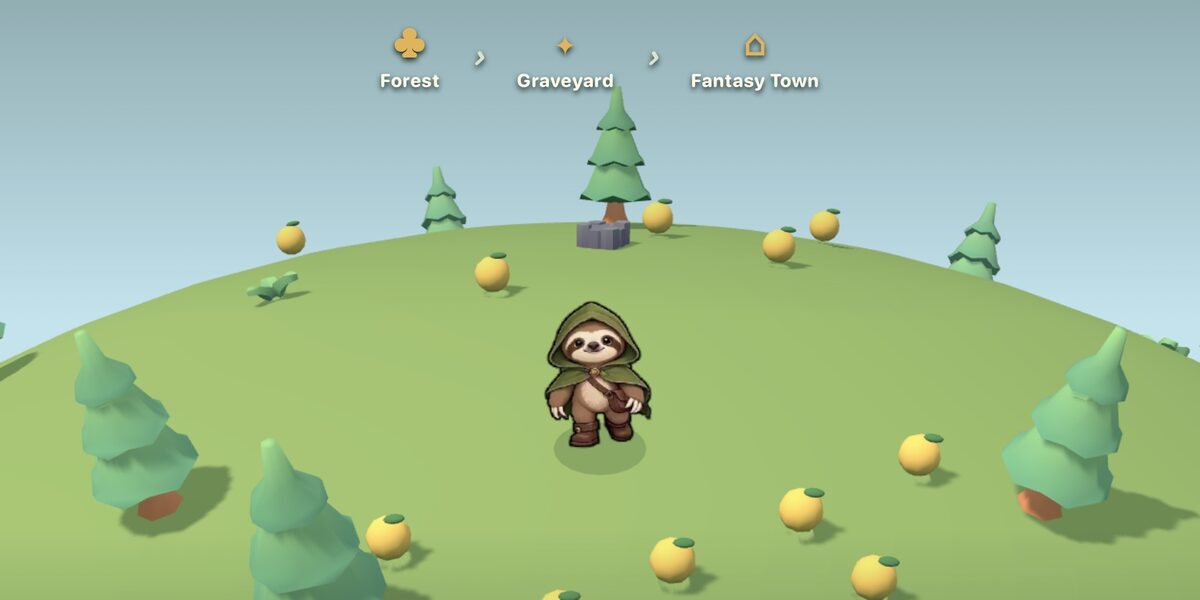
The sloth chases your pointer with spring physics on the app's real walk loops.
Another demo: Sloth Run
Play Sloth Run, a second live demo of the sloth in motion.
From one image to a sprite sheet
Front view
Upload one image of your character, PNG or JPEG. MoveLab draws a clean, full-body front view from it.
8 stills
It turns the character to S, SE, E, NE, N, NW, W and SW, keeping clothes and proportions: the 8 directions a top-down or isometric character walks in.
Walk and run cycles
Each direction gets a walk or run animation at 24 fps that starts and ends on its still, with the background cleaned away and the edges outlined.
One zip
Export every direction as transparent PNG frames in one zip, ready for Unity, Godot, GameMaker or Phaser, with an LLMS.txt that tells your AI coding agent how to loop, resize and clean them for your engine.
Limited seats
Early adopter plan
One-time payment on itch.io · 7-day money-back guarantee (up to 5 uses)
- License for the MoveLab feature
- Desktop app for Windows, macOS and Linux
- Bring your own key: use your OpenRouter API key and pay OpenRouter only for what you generate
- The version you buy is yours; free updates may follow, because the developer uses the app too
How to buy
- Download Sloth Studio and open it.
- Open the License screen.
- Paste your itch.io download page link and select Unlock. Use the same link on each of your machines.
The download page link is in your itch.io purchase email and in your itch.io library.
Buying means you accept the Terms of Service, including the 7-day refund policy (up to 5 uses). Terms
Download
The download is free. The app needs a license key to run generations.
Questions
Do I pay for AI usage?
You pay OpenRouter directly with your own API key, only for what you generate. The key stays on your computer. How to create an OpenRouter API key →
Can I get a refund?
Yes. If you are not satisfied, tell us within 7 days of your payment and we will refund you, as long as the license was used no more than 5 times. The license is then revoked.
How do I get my license?
Paste the download page link from your itch.io purchase into the app's License screen. The app unlocks right away.
Will there be updates?
The version you buy is final. Because the developer uses MoveLab too, it keeps improving, so free updates may follow. No specific feature or date is promised.
Which game engines can use the sprites?
Any engine that reads PNG files, including Unity, Godot, GameMaker and Phaser. Each direction comes as numbered transparent frames, plus a sprite sheet when it is small enough, and a manifest.json gives the frame size and frame rate.
Does it work for top-down and isometric games?
Yes. The 8 directions (S, SE, E, NE, N, NW, W and SW) are the facings a top-down or isometric RPG character walks in. Every direction is drawn from the same front view, so the character looks the same all the way round.
What image should I upload?
One picture of your character, as PNG or JPEG. A full-body front view with both feet visible works best. MoveLab draws a clean front view from it first, then the other directions.